
From Patient Referral Outreach to Scheduled Appointment to Complete Care Powered by Automated Two-Way Texting

Key Takeaways
Automated referral outreach starts the moment a referral loads in the system: a personalized text goes out within minutes with a scheduling link or a number to call, and no call list.
Texts get opened 95% to 97% of the time while only about 30% of voicemails get a callback; one hospital department reached 97% of referred patients by text, most booking the same day, and saved 524+ hours.
Once booked, a calendar-based reminder sequence runs itself, confirms the slot with a reply, and has cut no-shows by 53% to 66%.
A cancellation reply writes back to your scheduling system, so the slot is offered to the next eligible patient days before the appointment.
Prep instructions, digital forms, and translation into 130+ languages arrive by text ahead of the visit, with trackable links showing who hasn't engaged; a next-day text replaces the routine post-op call and has cut those calls by 92%.
Real-time reports turn every campaign into an exception list of who still needs a call, and bidirectional integration with the EHR you already run is what makes the whole journey automatic.

The Referral Arrives and the First Text Goes Out
A Referral Lands in the System and Triggers the Outreach

The journey starts the moment a referral is received, not the moment someone gets around to the call list.
With automated two-way texting, the referral itself is the trigger.
A new referral is loaded into the Dialog Health system and workflow, and a personalized text goes out to the patient within minutes.
Dynamic tags fill in the details that make the message from your clinic: the department name, the location, and the number to call back.
The text also gives the patient a way to act right there, either a trackable scheduling link or a phone number, and often both.
You set this up once in a self-service console using healthcare templates, without writing any code.
From then on, every referral that lands gets the same fast first touch, whether it arrives on a Tuesday morning or at 5 p.m. on a Friday.
Why a Text Beats a Voicemail as the First Touch
The weakness of phone-first referral outreach is not effort.
Your staff make the calls.
The weakness is that most patients no longer answer calls from numbers they don't recognize.
So the call becomes a voicemail, then a second attempt, then a second voicemail, and nobody can tell whether any of it was heard.
A text behaves differently.
It stays on the patient's phone until they act on it, and SMS open rates run between 95% and 97%.
Compare that with voicemail, where only about 30% of messages ever get a callback.
The bigger difference is what the patient can do with it.
A voicemail asks them to call back during business hours and wait on hold.
A text lets them reply, tap a link, or call when it suits them, including at 9 p.m. once the house is quiet.
Because the conversation is two-way from the first message, the patient answers in the same messaging thread they use for everything else instead of working through a switchboard.
The Patient Books the Same Day, by Link or by Phone
The whole first stage fits in one line: referral received, automated text sent, patient books online or calls to schedule, appointment booked.
What happens in the middle of that line is the part worth understanding.
When the patient replies, the reply lands in the same thread.
Automated responses handle the common ones, such as a question about clinic hours or which location to choose.
When a reply needs a person, a staff member picks up the thread live from a priority inbox and finishes the conversation by text.
One hospital's metabolic and nutrition department shows how this plays out.
The department received referrals from physician practices every week, and phone outreach had turned into repeated call attempts and unheard voicemails.
Reducing patient leakage was the stated priority.
The team switched to an automated referral text that went out when the referral arrived and gave the patient a number to call.
The message was short: the clinic had received a referral, and the patient could call to schedule.
The department reached 97% of its referred patients, and most of them called to schedule on the same day they got the text.
It also saved more than 524 hours of calling and scheduling work.
One side effect is worth noting: patients began answering later phone calls more readily because they recognized the number from the text.
Keeping the Appointment on the Books
A Confirmation and Reminder Sequence That Runs Itself
Booking the appointment is where phone-based workflows usually stop paying attention.
Automated two-way texting treats it as the start of the second stage.
Once the appointment exists in your scheduling system, calendar-based automation lines up a sequence of messages relative to the appointment date.
A typical sequence for a procedure looks like this:
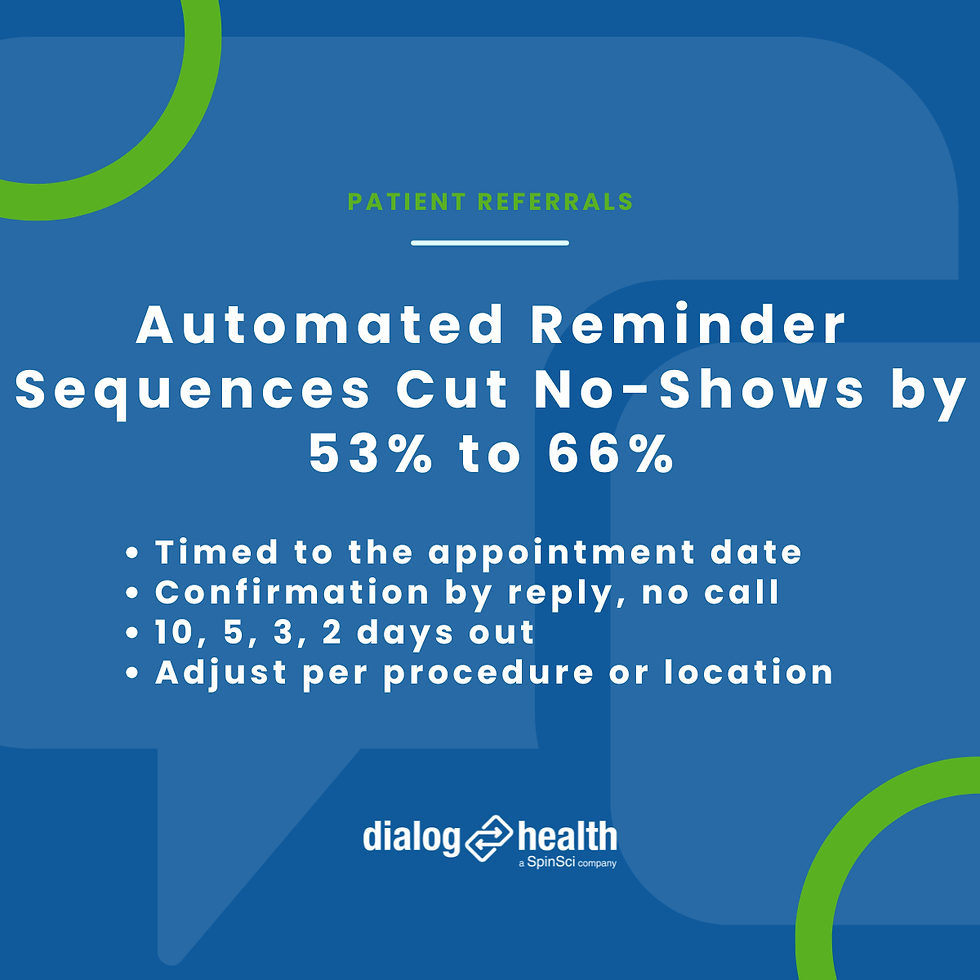
a confirmation request 10 days out
a reminder 5 days out
a compliance reminder 3 days out
an NPO reminder 2 days out
None of those messages are queued by hand.
The first one asks the patient to confirm with a reply, and that reply confirms the slot without a phone call on either side.
The sequence comes from healthcare templates, and you adjust the wording and timing per procedure or location in the same console you used for referral outreach.
Reminder sequences built this way have cut no-shows by 53% to 66%.
What Happens When a Patient Replies "Can't Make It"?
Some patients will not make it, and the useful question is how early you find out.
With two-way texting, the patient replies to the reminder itself.
The reply arrives in the priority inbox, and staff answer directly from there.
A reminder can also branch on the reply.
For example, it can ask the patient to reply 1 to reschedule or 2 to cancel, and each answer triggers a different next step.
The step that matters most for your schedule is the write-back.
A cancellation flows back to your scheduling system, so the slot can be offered to the next eligible patient instead of sitting empty.
Two-way replies surface the gap days before the appointment rather than on the morning of the procedure, and that lead time is what lets a center fill the opening.
Arriving Prepared and Closing the Loop
Prep Instructions, Forms, and Language Handled Before the Visit
A kept appointment still fails if the patient arrives unprepared or with the paperwork undone.
The same reminder sequence carries the material that prevents that.
Messages can include prep instructions, PDFs, and links to digital forms for pre-registration, intake, and insurance or copay verification, so the paperwork happens at home instead of in the waiting room.
Time-sensitive instructions ride on the schedule, which is why the NPO reminder lands two days out rather than two weeks out.
Trackable short links tell you who opened the prep instructions and the pre-registration form, and who did not.
That turns follow-up into a short list: staff contact only the patients who haven't engaged, not everyone on the day's schedule.
Language stops being a barrier at this stage, too.
Staff write the message once in English, and the platform translates it into more than 130 languages with translation that understands medical terms.
The patient needs no app, just their normal messaging.
Texted portal links have raised pre-appointment document completion by 225%.
The outcome you are after is simple: the patient shows up on time, prepped, and registered, the procedure proceeds, and the room does not sit idle.
After the Visit, a Short Text Replaces the Follow-Up Call
The loop closes after the visit, and it closes faster by text.
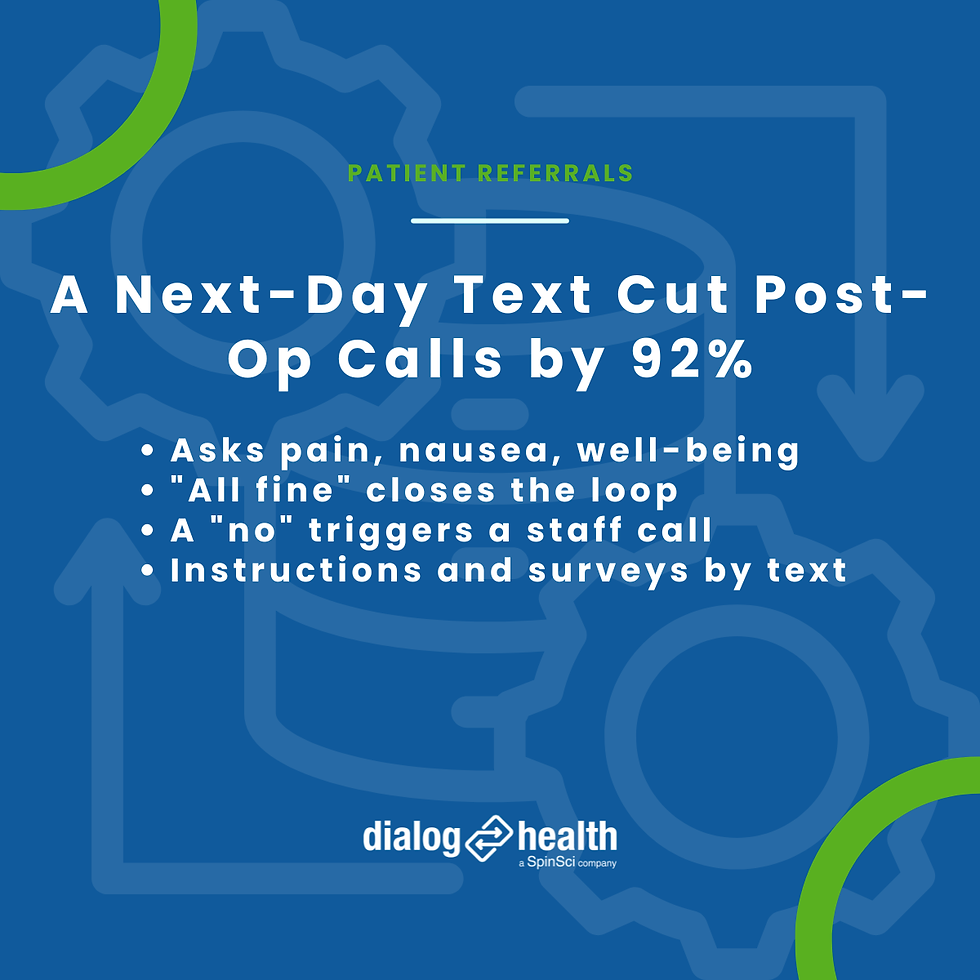
The day after a procedure, an automated text asks the required follow-up questions about pain, nausea, and general well-being.
A "yes, all fine" reply closes the loop.
A "no" on any question routes the patient to a staff call, so nurses spend their time on the patients who need them.
Post-op and discharge instructions, medication reminders, and patient portal links go out the same way, and the patient can reply with a concern at any point.
A short survey text can follow a few days later.
Readmission reduction campaigns run on the same mechanism.
Facilities that replaced the routine post-op call with a text check-in have cut post-op phone calls by 92%.
How Do You Know Where Every Referred Patient Is?
The honest answer with phone outreach is that you don't, at least not without a spreadsheet somebody updates by hand.
Automated two-way texting changes that because every message produces data as a by-product.
Each campaign generates a real-time interactive report the moment it sends.
Delivery receipts and read status show who received and who read each message.
Reply tracking shows who responded.
The practical output is an exception list: who was reached, who replied, who booked, and who still needs a call.
Your staff work that short list instead of the entire referral list.
Message history keeps each patient's full thread in one place, so a scheduler picking up a conversation sees everything that came before.
Over time the same data tells you what to change.
Patient-level and department-level views, trend analysis, and side-by-side campaign comparison show which cadence, which wording, and which send time earn more confirmations, so you tune the sequence on evidence rather than habit.
Opt-in metrics show how much of your referral population you can reach by text at all, which is the first number to fix if it is low.
Reports export cleanly for leadership, which helps when someone asks what the referral program is producing.
What Makes the Whole Journey Run Without a Call List
None of this requires replacing the systems you already run.
The texting layer sits on top of your EHR or practice management system, whether that is Epic, Cerner, Meditech, NextGen, athenahealth, ModMed, or Greenway, and on top of ASC systems such as SIS, Provation, and HST.
Data moves as HL7, CSV, or JSON over sFTP, a web API, or a direct upload in the interface.
The platform is cloud-based, so there is no hardware to install.
The part that makes the journey automatic is that the flow runs both ways.
A new referral or appointment comes in and fires the workflow.
A confirmation, a cancellation, or a reply goes back to the scheduling system, with real-time sync and automated refresh keeping both sides current.
One platform serves every department the patient passes through.
Referral coordinators, schedulers, pre-op nurses, PACU staff, and call center agents all work from the same console and the same patient thread, so the patient does not get a different number and a different tone at every stage.
Workflows are built in a visual builder from healthcare templates and adjusted per procedure and location, again without code.
And because this is patient data, the platform is HIPAA, TCPA, and CTIA compliant and SOC 2 certified.
Run the Whole Referral Journey on One Text Thread
You've just followed a patient from referral to completed care, and every stage depended on a text that goes out on time and a reply staff can act on.
Doing that by phone means call lists, voicemails, and gaps nobody sees until procedure day.
Dialog Health is the HIPAA-compliant two-way texting platform behind these workflows, with documented results:
97% reach rate of referral patients
66% decrease in same-day cancellations
92% reduction in post-op phone calls
Fill out this quick form and one of our healthcare communication experts will reach out to schedule a brief 15-minute video call at your convenience.
We've done this hundreds of times with organizations like yours, and you'll get everything you need.
P.S. No hard sell. If your workflow already works, we'll say so.


